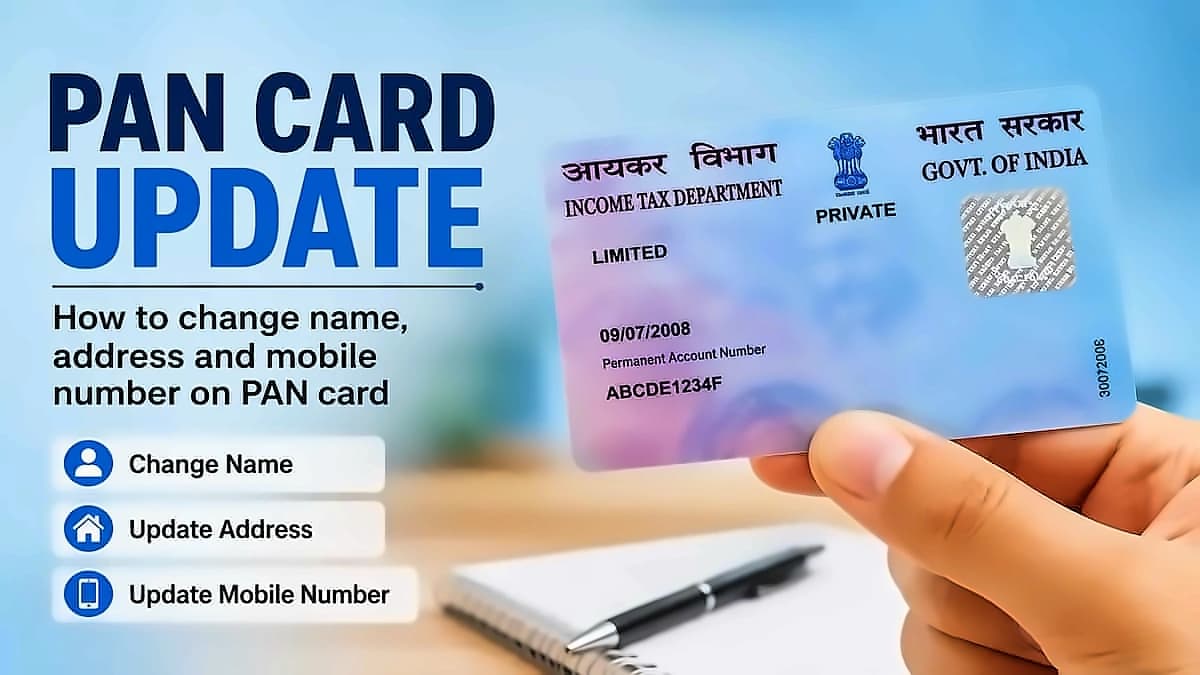
The Permanent Retirement Account Number (PRAN) serves as your unique 12-digit identifier for the National Pension System (NPS). According to SBI Life, the PRAN card is issued by the National Securities Depository Limited (NSDL) - the Central Recordkeeping Agency for NPS. The application process requires providing personal details including name, date of birth, and contact information. You must specify whether you are a resident Indian citizen, NRI (Non-Resident Indian), or OCI (Overseas Citizen of India). Choose between Tier I (Pension Account) or Tier II (Savings Account) and provide nominee details for beneficiary designation. Select a Pension Fund Manager (PFM) to manage your NPS investments, then make your initial contribution online through debit card, credit card, or internet banking. If you have a valid digital signature (eSign), you can complete registration electronically. Alternatively, download the completed form and submit with scanned copies of KYC documents (PAN, address proof, etc.) to the nearest Point of Presence (PoP) - a bank or authorized agency facilitating NPS registration.
There are five different ways to retrieve your PRAN without requiring paperwork or branch visits, provided your registered mobile number or email ID is active. The fastest method involves clicking on 'Know Your PRAN' on the homepage, entering your PAN number, date of birth, and registered mobile number, then verifying through the OTP sent to your mobile. KFintech serves as one of the official Central Recordkeeping Agencies (CRAs) for NPS in India, where you can enter your PAN and date of birth to verify through OTP or email. The 'NPS by Protean CRA' app is available on Google Play Store and Apple App Store, allowing you to look for 'Forgot PRAN' or 'Know Your PRAN' options after entering your name, date of birth, PAN and registered mobile number. For offline assistance, visit the nearest NPS Point of Presence (PoP) with valid photo ID, as banks including SBI, PNB, HDFC and ICICI are registered POPs that can help retrieve your PRAN. If all online methods fail, call the official NPS helpline for support, as the team will verify your identity and help you retrieve your PRAN.
Once you receive your PRAN card, access your NPS account through the official portal by logging in with your PRAN and password. Your dashboard will display your total holdings, contribution history, and current value of investments across asset classes, providing the most detailed view available. The National Pension System offers multiple convenient ways to check your retirement corpus balance, with your account managed by a Central Recordkeeping Agency (CRA) - usually Protean (formerly NSDL) or KFintech. This portal allows you to view account details, make contributions, and manage your investments online. With your PRAN, you can check your NPS account balance and fund value at any time, view your complete transaction history and contribution statements, switch between pension fund managers or change your asset allocation, submit requests for partial withdrawal or full exit on maturity, download your PRAN card digitally if you have lost the physical one, and update your personal details including nominee information, bank account details, and contact information.
The NPS mobile app available on Android and iOS platforms enables anytime balance viewing. Log in with your PRAN and password to see your current corpus, transaction statements, and scheme-wise allocation. This mobile option is particularly convenient for users who prefer checking on-the-go rather than accessing through a browser-based portal. The mobile application provides anytime access to your NPS account with the same functionality as the web portal, making it ideal for users who need to monitor their retirement savings while away from their computer.
The Umang app offers NPS services as part of the government's unified platform. After linking your PRAN, you can view account details, check current holdings, and access transaction statements. This integration provides a single-window option for users who already utilize Umang for other government services, streamlining their financial management experience. The government integration ensures seamless access to NPS services within the existing digital ecosystem.
After receiving your PRAN card, you must activate it through the NPS portal using your PRAN and registered mobile number. Once activated, you can access your NPS account online to view account details, make contributions, and manage your investments. If you opted for an online PRAN application, you can download and print an e-PRAN card for reference. The NPS portal offers a 'Track Application Status' option to monitor your PRAN card application progress. You can contact the NPS customer care helpline (1800 2100 080) for assistance regarding your PRAN card or NPS account. Importantly, you can only have one PRAN card - your PRAN remains unique and constant throughout your NPS enrollment, even if you switch jobs or sectors. For online registration through eNPS, your PRAN is generated almost instantly after successful verification, while for offline registration through a POP, it typically takes 3 to 5 working days after application processing.