The Income Tax Department's e-Nivaran facility allows taxpayers to raise and track income tax grievances online through a structured process. According to reports from Mint, both registered and unregistered users can raise complaints, which are routed to the concerned department, and can be tracked using a unique acknowledgement number. The system covers grievances handled by four departments: e-Filing, the Centralised Processing Centre for Income Tax Returns (CPC-ITR), the Centralised Processing Centre for TDS (CPC-TDS), and the Assessing Officer (AO).
As reported by Mint, the e-Nivaran portal routes grievances to four departments based on the type of issue. CPC-ITR deals with complaints on ITR processing, ITR-V, refunds, tax demands, rectification, and communication related to processed returns. CPC-TDS covers TDS and Form 26AS-related issues, challans, TRACES portal, TDS/TCS statements, TDS refunds for TAN, property transaction forms, and certificate download issues. Assessing Officer (AO) handles grievances relating to tax demands, appeals, PAN applications, refund issues, rectification requests, and other assessment-related matters. The e-Filing department specifically covers issues related to ITR filing, statutory forms, e-verification, e-Proceedings, registration, login, password, profile updates, PAN/TAN services, Instant e-PAN, JSON utility, mobile app, and portal access.
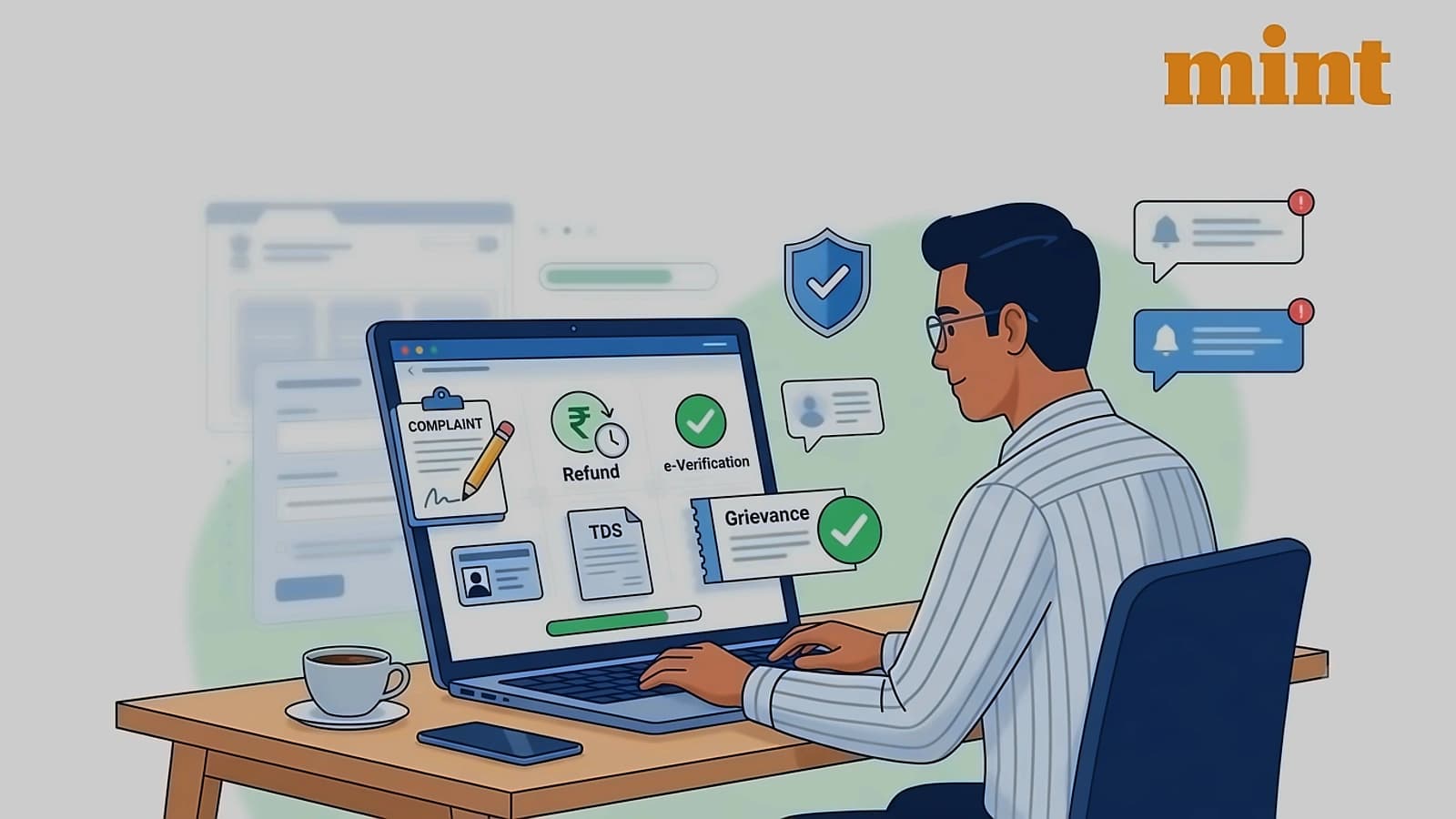
According to Mint, registered users can submit grievances through a seven-step process. Taxpayers must log in to the e-filing portal using their User ID and password, then select the appropriate department or search for the issue using the search box. They choose the grievance category, applicable tax law, and sub-category, enter required details such as assessment or tax year, and provide a grievance description of at least 100 characters. Supporting documents can be uploaded, although this is optional, and users must save the system-generated acknowledgement number for future tracking. The Income Tax Department recommends using the post-login grievance facility for quicker and more accurate resolution.
As reported by Mint, individuals who are not registered on the e-filing portal can also access the grievance system. They need to visit the 'Grievances' section under 'Contact Us' and select the option stating they do not have a PAN or TAN. Then, they must provide their name, email address, and mobile number, complete OTP verification, and submit the grievance by following the same process as registered users. The system ensures equal accessibility for all taxpayers regardless of their registration status.
According to Mint, taxpayers can monitor the progress of their complaint either before or after logging in. Pre-login users can visit the 'View Grievance' section on the portal, enter the grievance acknowledgement number along with the registered mobile number, and view the latest status. Post-login users can sign in to the e-filing portal, go to 'Grievances' and then 'View Grievance Status', and track the complaint. Users can also filter grievances by date of submission, department, or status, providing comprehensive tracking capabilities for all taxpayers.