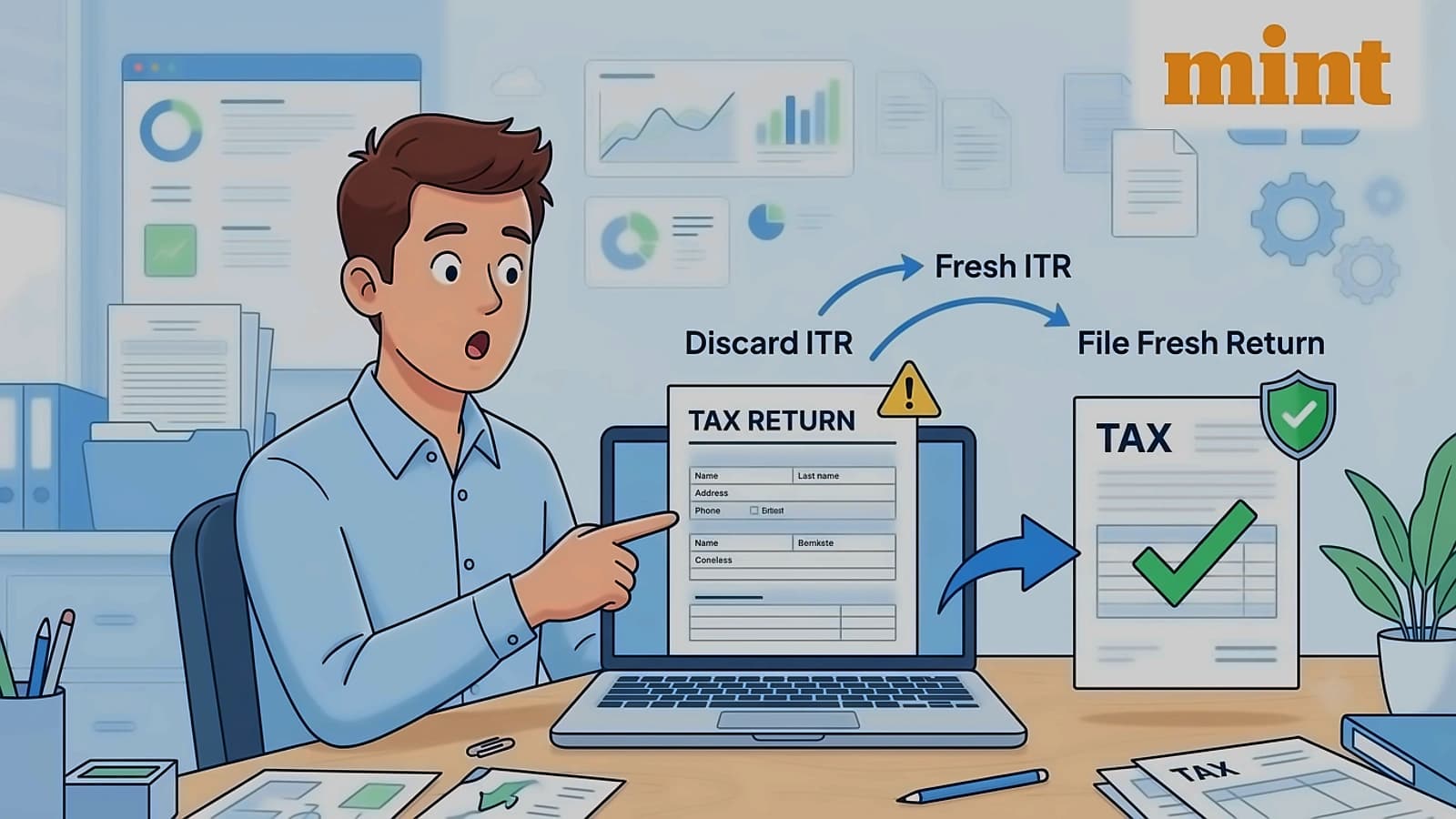
After filing an income tax return (ITR), the Income Tax Department processes the return and issues an intimation under Section 143(1) of the Income Tax Act. This intimation provides details reported by the taxpayer with department records and highlights any discrepancies in income, deductions, taxes paid, refunds, or tax liability. If errors are identified in this intimation, taxpayers can submit a rectification request through the e-filing portal. According to reports from Mint, this facility is available only for returns that have already been processed by the Centralised Processing Centre (CPC).
The Income Tax Department allows taxpayers to file three types of rectification requests on the e-filing portal, depending on the nature of the error. The first option is reprocess the return, which can be used when the taxpayer has correctly reported income, deductions, or tax credits in the original return but these details were not considered during processing. For example, a valid deduction or TDS claim may have been omitted while processing the return. The second option is return data correction, meant for correcting mistakes in information reported in the return, such as showing income under the wrong head. However, taxpayers cannot use this facility to report new sources of income, claim additional deductions, or alter loss carry-forwards. The third option is tax credit mismatch correction, used to correct errors related to TDS, TCS, advance tax, or self-assessment tax details, with taxpayers unable to claim credits not part of the 26AS statement.
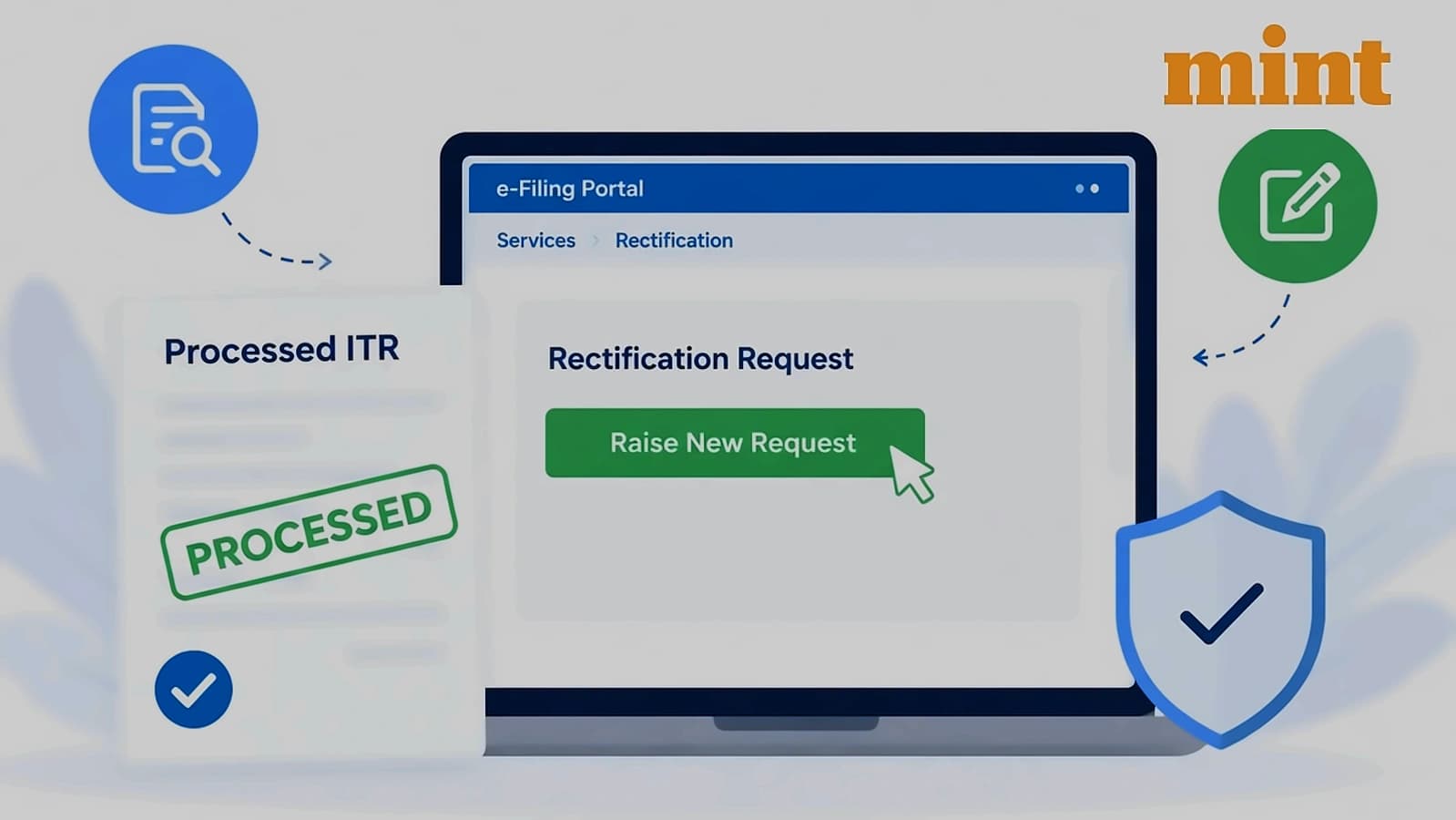
To submit a rectification request on the Income Tax e-filing portal, taxpayers must be registered users with a valid user ID and password. According to Mint, taxpayers should have received an intimation under Section 143(1) of the Income Tax Act, 1961, or Section 16(1) of the Wealth Tax Act from the Centralised Processing Centre (CPC), Bengaluru. Taxpayers who wish to use the services of an e-Return Intermediary (ERI) must first add the ERI through the 'My ERI' facility on the e-filing portal. Additionally, both taxpayers and ERIs must either have a valid and active Digital Signature Certificate (DSC) registered on the e-filing portal or generate an Electronic Verification Code (EVC) to authenticate the request.
The rectification request process involves six key steps as outlined by Mint. Step 1 requires logging into the e-filing portal using user ID and password, followed by navigating to Services and visiting the rectification page. Step 2 involves selecting 'New Request', with the taxpayer's PAN auto-filled, choosing 'Income Tax' and selecting the relevant Assessment Year. Step 3 requires selecting the appropriate rectification request type based on the nature of the error. Step 4 involves completing the relevant sections depending on the chosen rectification type, such as reprocessing the return, tax credit mismatch correction, or return data correction. Step 5 requires successful e-verification of the request, and Step 6 involves receiving a confirmation message and acknowledgement sent to registered email and mobile numbers.