Before filing TDS returns online, deductors must gather essential documentation including their Tax Deduction Account Number (TAN), PAN details of all deductees, and challan information containing the BSR code, challan serial number, date, and deposit amount. According to reports from ABP Live, deductors can download the Return Preparation Utility (RPU) and File Validation Utility (FVU) from the NSDL/TIN portal at no cost. The RPU tool allows selection of appropriate forms based on payment type, with Form 24Q for salary payments, Form 26Q for non-salary payments such as interest and rent, Form 27Q for NRI payments, and Form 27EQ for Tax Collected at Source (TCS). Form 26AS serves as the annual tax statement showing all TDS deducted from income and deposited against PAN, making it essential for tax record verification.

The filing process begins by visiting onlineservices.tin.egov-nsdl.com and navigating to the e-TDS/TCS section to click on 'Upload TDS'. As reported by ABP Live, deductors must log in using their TAN and upload the validated .fvu file generated through the RPU and FVU process. The portal generates a Provisional Receipt or Token Number upon successful upload, which serves as confirmation of successful filing and should be saved for records. Physical submission through a TIN-FC may incur a filing fee.
The BSR code is a 7-digit number assigned by the RBI to each bank branch, crucial for ensuring accurate tax payment tracking. When filling out a tax challan such as Challan ITNS 280, the bank branch's BSR code must be verified carefully before finalizing payment. The Income Tax Department's official website provides a reliable list of authorized banks and their respective BSR codes. After online payment, taxpayers can track status using the Challan Identification Number (CIN), a unique 14-digit number found on e-challan receipts that combines BSR code, deposit date, and serial number. Using incorrect BSR codes can cause payment delays and reconciliation issues, requiring contact with banks or the Income Tax Department for rectification. The TIN-NSDL website allows verification by entering the BSR code, challan serial number, date of payment, and amount to confirm payment processing.
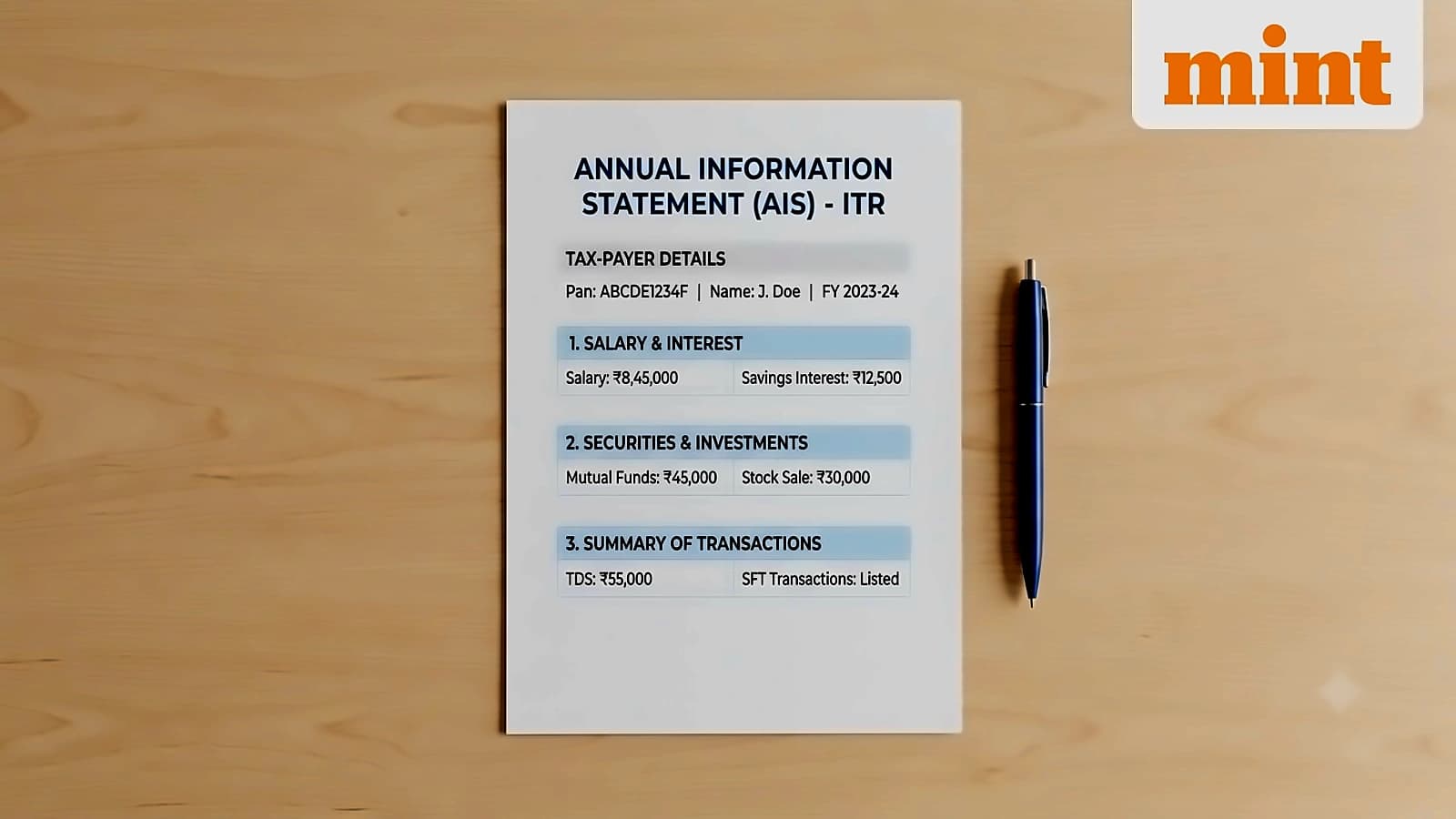
Form 26AS serves as the consolidated annual tax statement showing all tax deducted or collected at source, including TDS, advance tax, self-assessment tax, and refunds. Regular verification of Form 26AS is essential to ensure all tax payments are correctly reflected, with immediate action required if discrepancies are found. If total TDS deducted exceeds actual tax liability, taxpayers may be eligible for refunds when filing income tax returns. The Income Tax e-filing portal allows viewing of Form 26AS, making it the ultimate record of tax contributions. Keeping close track of Form 26AS is recommended as checking it regularly ensures all tax credits are accurately recorded, similar to monitoring bank statements.
Advance tax applies to individuals with estimated tax liability exceeding ₹10,000 after considering TDS deductions, including salary earners with high income and significant other sources. Advance tax is paid in four instalments: 15% by 15th June, 45% by 15th September, 75% by 15th December, and 100% by 15th March. Businesses, sole proprietorships, partnerships, and companies typically require advance tax if estimated liability exceeds specified thresholds. The Income Tax Department's official website provides helpful online calculators to estimate tax liability and figure advance tax instalments, simplifying compliance processes significantly. Paying advance tax on time helps avoid interest penalties and manages tax burden throughout the year.