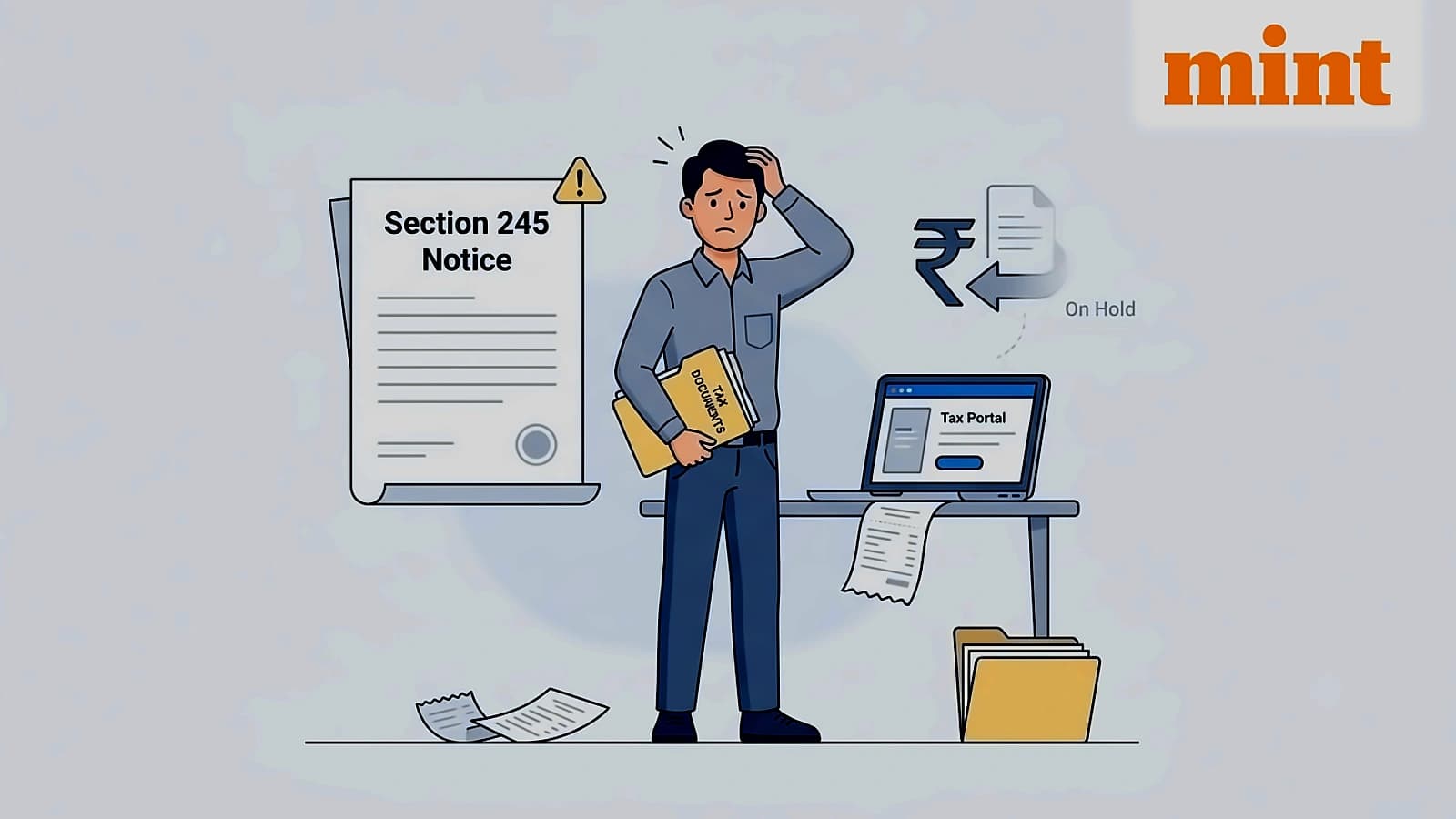
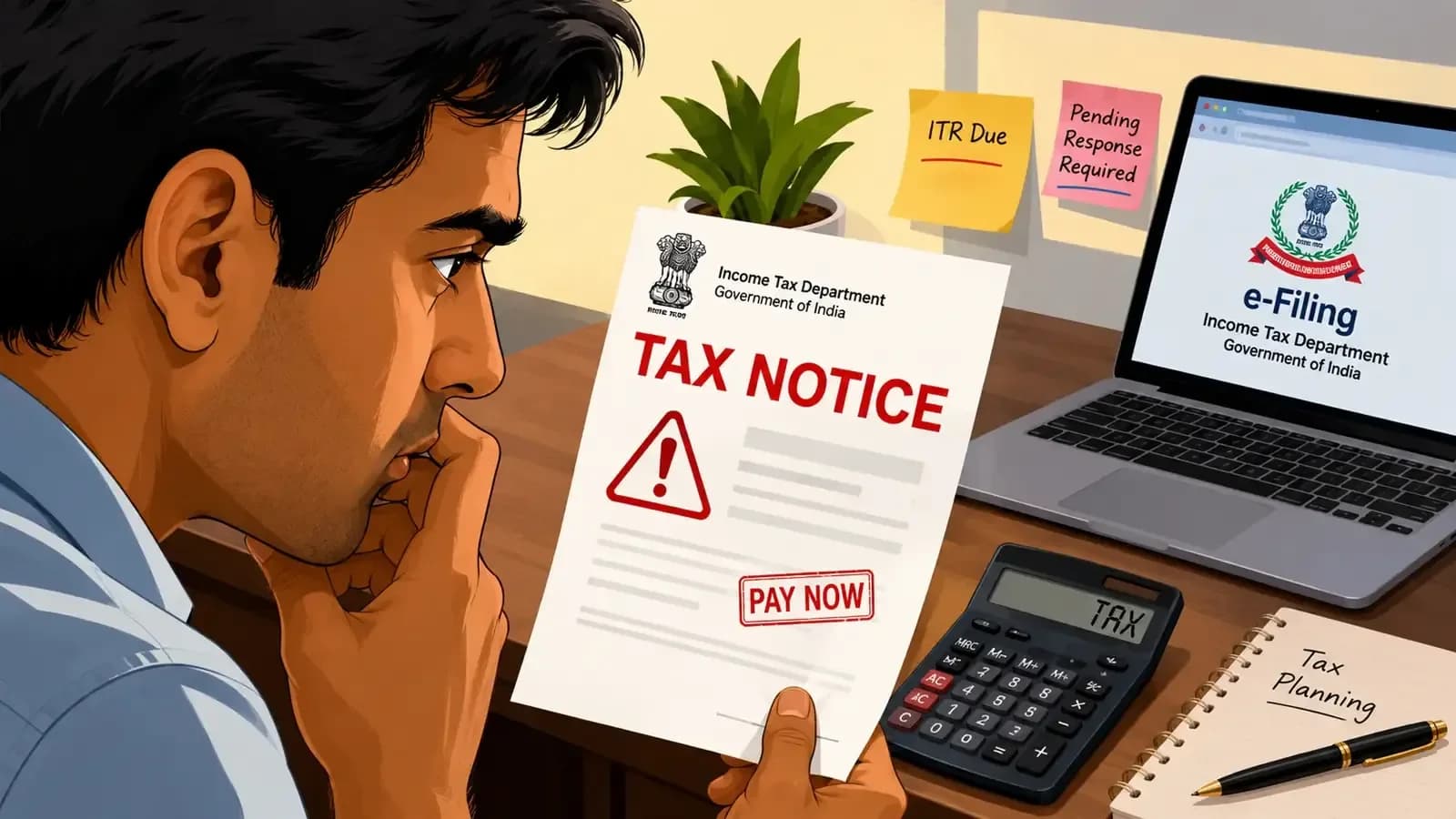
A Section 245 intimation is issued when the Income Tax Department proposes to adjust your refund against an outstanding tax demand from a previous financial year. According to reports from Mint, this notice does not necessarily mean you have done something wrong - it simply means the department intends to offset your current year refund against unpaid taxes from earlier periods. The intimation is typically issued when taxpayers are eligible for a refund in the current assessment year while having unpaid tax demands from previous financial years. As per Live Mint, the department finds that you are eligible for an income tax refund for the current assessment year and have an outstanding tax demand from a previous financial year.
As reported by Mint, consider a scenario where you are due a refund of ₹12,000 for FY 2025-26, but there is an unpaid tax demand of ₹8,000 for FY 2022-23 due to mismatched tax credits or unpaid tax liability. In this case, the department may issue a Section 245 intimation proposing to adjust the outstanding demand against your refund. Instead of receiving the full ₹12,000 refund, you would receive a net refund of ₹4,000. The Income Tax Department must first notify you before making such adjustments. According to Live Mint, this adjustment occurs when the department proposes to adjust the outstanding demand against your refund, resulting in a reduced net refund amount.
According to Mint, taxpayers are generally required to respond within 30 days of receiving the intimation. If no response is submitted within this period, the department may proceed with the adjustment. To check outstanding tax demand details, taxpayers can log into the Income Tax e-filing portal, navigate to Pending Actions, and click Response to Outstanding Demand. The portal provides three response options: selecting 'Demand is Correct' and choosing 'Not Paid Yet' for unpaid demands, 'Already Paid' for demands already settled, or 'Disagree with Demand' for those disputing the claim. As per Live Mint, after logging into the e-filing portal, go to Pending Actions and click "Response to Outstanding Demand" and select the relevant demand.
As reported by Mint, when selecting 'Demand is Correct' and 'Already Paid', taxpayers must provide challan details including payment amount, BSR code, challan serial number, and payment date. They must also upload the challan copy and submit their response. For partial disagreements, taxpayers can pay the remaining demand amount before submitting their final response. The e-filing portal provides a comprehensive list of all outstanding tax demands and allows taxpayers to view or download previous Section 245 notices. According to Live Mint, taxpayers have three options: click 'Pay Now' and complete the payment, submit their response after payment is successful, enter challan details including payment amount, BSR code, challan serial number, and payment date, upload the challan copy and submit their response, or select 'Disagree with Demand' and choose appropriate reasons listed on the portal.