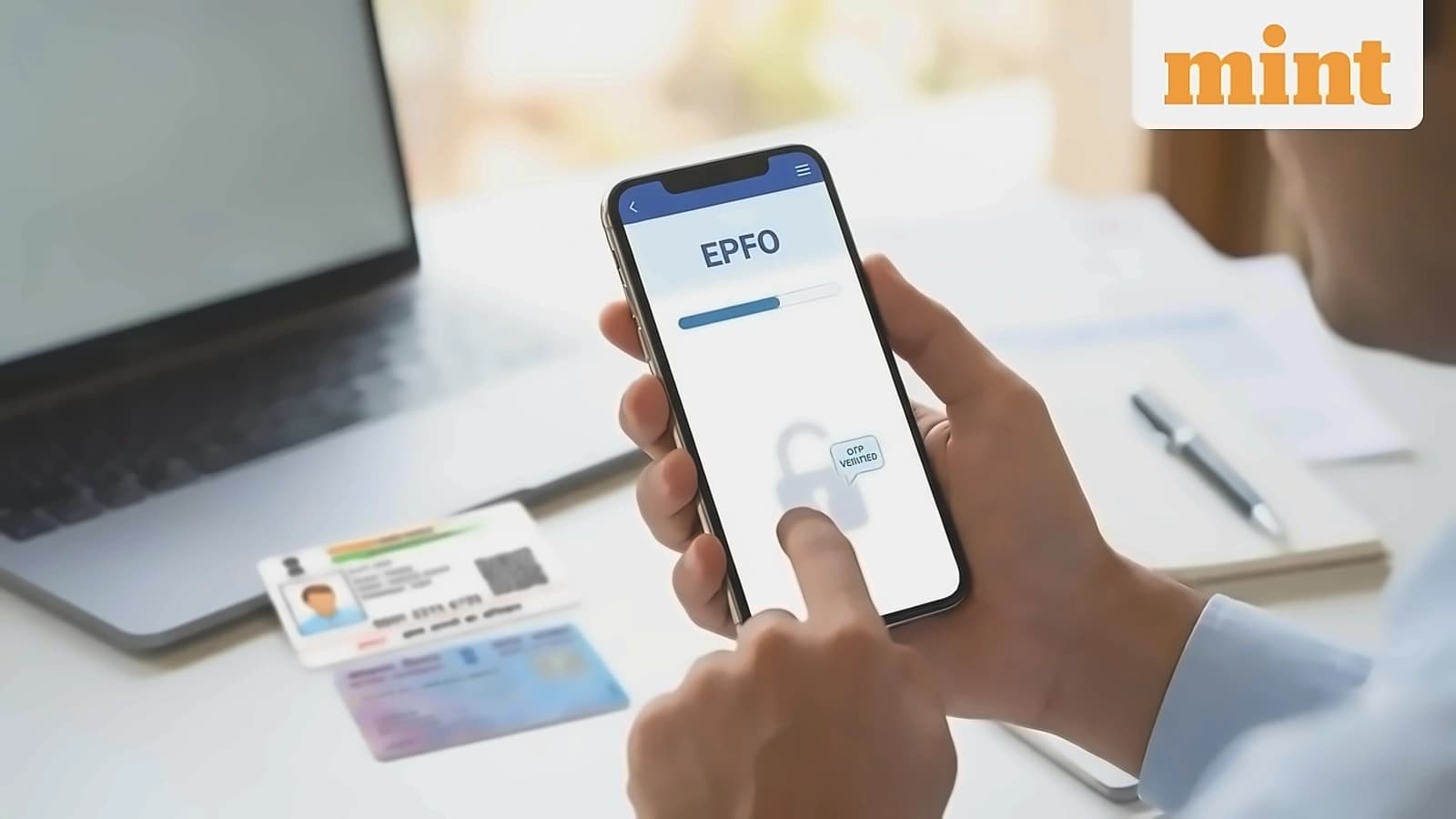
Several EPF subscribers have reported issues with their service history on the EPFO member portal following the retirement fund body's online portal migration to a new centralised IT system. According to reports from Mint, these errors include overlapping employment records, missing companies, and incorrect joining dates. Such seemingly minor discrepancies can create significant problems when transferring PF after changing jobs, withdrawing PF, calculating EPS service, or completing background verification with new employers. The migration has caused service record errors for many members, including overlapping employment dates and missing or incorrect employer entries, which affect PF withdrawal claims, inter-employer transfer requests, and EPS pension calculations.
The Universal Account Number (UAN), a unique 12-digit number assigned to every EPF member, must be properly linked to avoid complications. As reported by Mint, problems arise when employees don't share existing UANs with new employers, leading to creation of second UANs, or when previous employers fail to update exit dates, resulting in inactive or duplicate UANs. Members should log into the UMANG app to verify that all previous and current PF accounts are linked under one active UAN. One wrong service date in EPFO can delay your ₹5–10 lakh PF withdrawal by months — longer than a Tatkal ticket queue.
Employees must compare joining dates shown in the unified member portal with appointment letters, salary slips, or employment contracts to ensure accuracy. According to Mint, incorrect joining dates can create the appearance of working for two employers simultaneously during background verification. Additionally, members should review monthly PF contributions in their EPF passbook to ensure all entries are visible for every month worked with each employer, as missing contribution entries may indicate reporting or deposit issues. Download your EPFO passbook as a PDF today and compare it against your Form 16s year by year — discrepancies are easier to spot and prove with both documents in hand before filing a grievance.
Salaried employees must verify that Aadhaar, PAN, and bank account details are properly updated, as mismatched KYC information can prevent proper service record linking. As reported by Mint, all members with UANs issued before 1 October 2017 must submit an online joint declaration requiring employer approval. Members of closed establishments or those whose employers cannot be contacted may submit joint declarations signed by authorized officers with supporting documents. Ask your current or past employer's HR team to verify and correct your joining/exit dates through the employer-side EPFO portal — employer corrections are processed faster than individual grievances.
Members experiencing service history errors can raise complaints online through EPFO's grievance portal at epfigms.gov.in/grievance/grievancemaster. According to Mint, supporting documents required include appointment letters, relieving letters, salary slips, Form 11, Form 16, UAN service history, PF contribution records, and proof of actual joining and exit dates. The portal allows submission of all required documentation for proper resolution of service history discrepancies. File a correction request on the EPFiGMS grievance portal (epfigms.gov.in), attaching your offer letter, relieving letter, or Form 16 as documentary proof of correct employment dates.