The Employees Provident Fund Organisation (EPFO) has made updating know-your-customer (KYC) information mandatory for all online PF claims, balance updates via passbook and other digital services. According to reports from Mint, the EPFO mandates KYC is mandatory for services such as withdrawal of funds, transfer of funds, and settlement claims. The process requires providing your Aadhaar number, PAN card, mobile number, and a bank account. While usually done by the employer, members can also complete the Aadhaar seeding using the Umang app or the EPFO's official portal. Linking Aadhaar with EPF account offers numerous advantages, enhancing the overall efficiency and security of EPF transactions, ensuring accurate personal details, faster claim processing, and better management of EPF accounts.
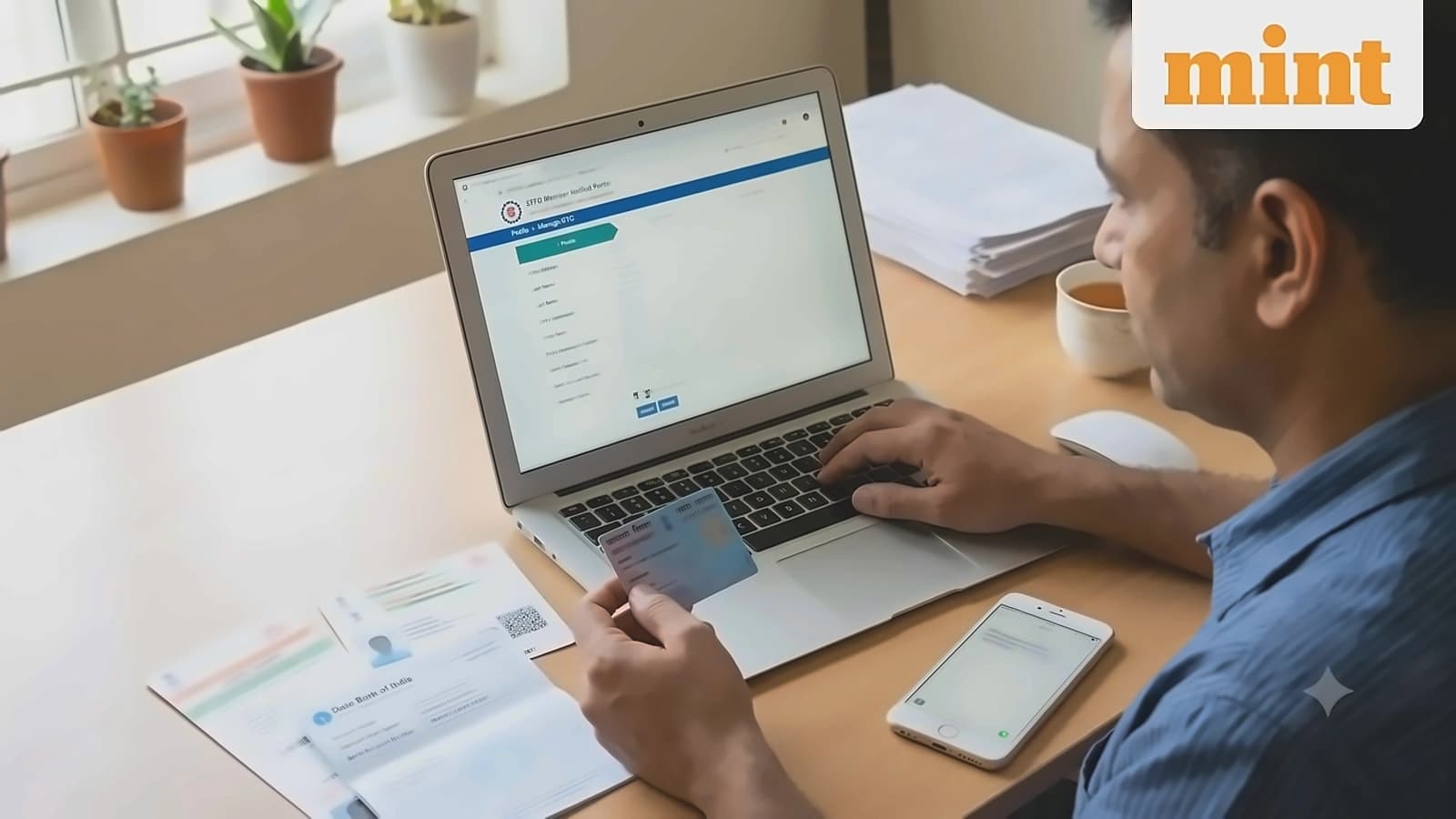
Members can update their KYC on the EPFO portal through a step-by-step process. As reported by Mint, the process begins by visiting the official portal and navigating to profile information. If details show 'Not Available', members will need to provide Aadhaar, PAN and bank account details. The update process involves entering Aadhaar number and name exactly as on the card, accepting disclaimers, and verifying with OTP sent to the Aadhaar-linked mobile. Bank account updates require entering and confirming the bank account number, IFSC code, and verification through Aadhaar OTP. The PAN update process involves entering the 10-digit number and name as printed on the card, with verification through Aadhaar OTP. Under the updated EPFO rules, linking Aadhaar with UAN is simple when personal details such as name, gender, and date of birth match in both records. In cases of mismatched details, employers can raise an online Joint Declaration request to resolve discrepancies.
According to Mint reports, bank KYC updates go to the bank branch for verification first, with the status changing to 'Pending with Employer for Digital Signing'. The KYC update status will be shown under 'Digitally Approved KYC' and members will receive an SMS once their employer approves the submitted documents. The process typically takes 7-10 working days, though if it remains pending longer, members should contact their HR directly. For offline Aadhaar linking, EPFO verifies the details and upon successful verification, Aadhaar is linked to the employee's EPF account, with employees receiving an SMS on their registered mobile number for confirmation.
Another mandatory process for EPF accounts is naming nominees, which can only be completed on the portal after KYC processing. As reported by Mint, members must log in to the EPFO portal and navigate to 'Manage — E-Nomination'. The process involves updating profile details including adding a photo (size less than 100 kb) and address, adding nominee details with Aadhaar, photo, relation, and share percentage, and completing Aadhaar OTP-based e-sign to finish the process. The system digitally signs the nomination using Aadhaar authentication and saves it in EPFO records. To check if Aadhaar number is linked to PF account, employees can visit the official EPFO website, log in with UAN and password, and check for 'Aadhaar details' on the member homepage. If 'Verified (DEMOGRAPHIC)' appears next to the Aadhaar number, this means the Aadhaar is linked and verified by UIDAI.