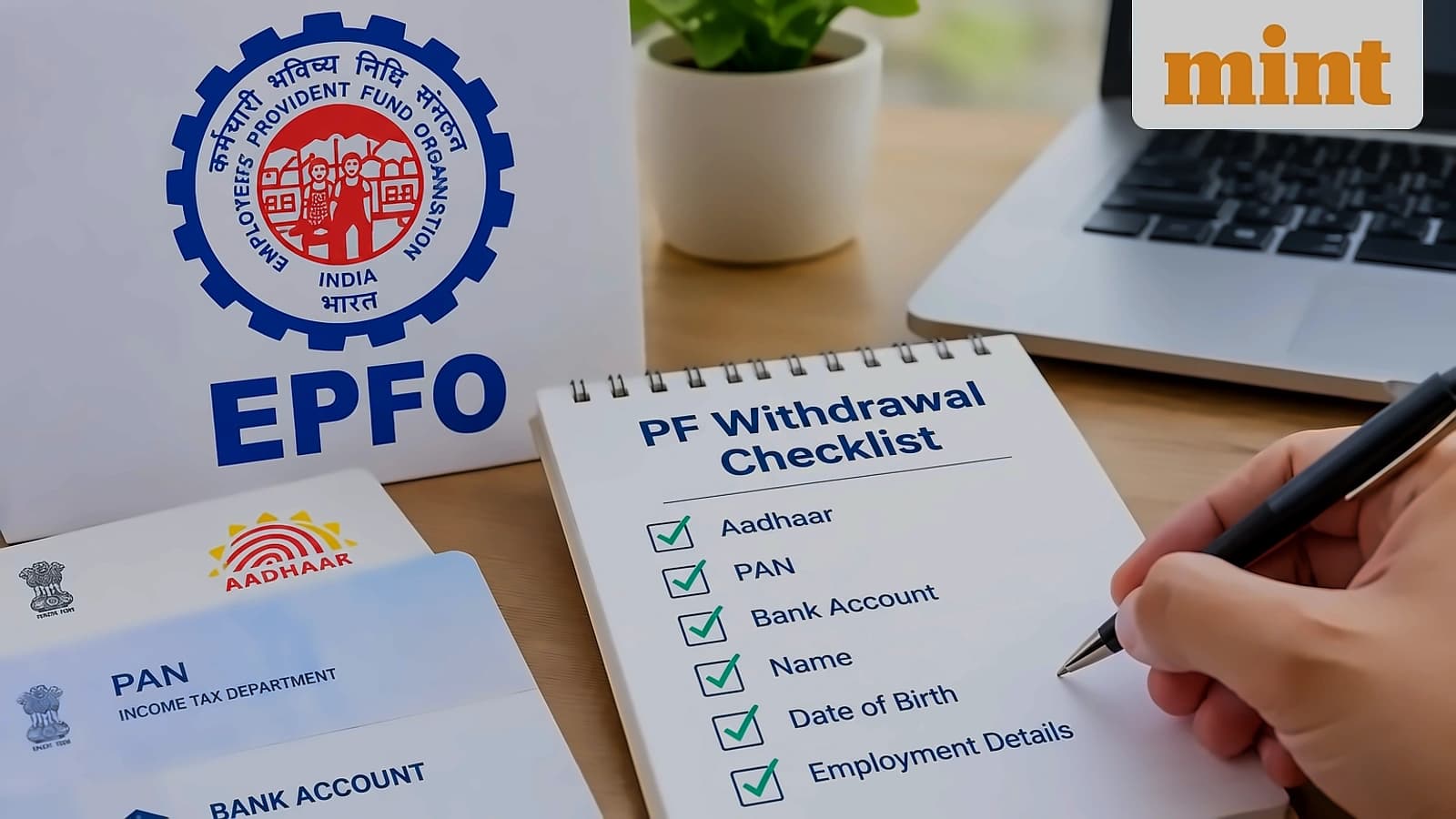
The Employees' Provident Fund Organisation (EPFO) has issued a urgent advisory warning members to verify and correct their Date of Joining (DOJ) and Date of Exit (DOE) details to avoid delays in PF withdrawals and pension claims. As per Mint, the retirement fund body emphasized that even minor errors in employment records could affect benefit eligibility and delay processing of PF withdrawals, transfers and pension claims. EPFO has released a 10-second video carrying the message along with a QR code to help members understand the importance of maintaining accurate employment records. The advisory states: 'A small mistake in your Date of Joining or Exit can impact your future benefits. Don't ignore it. Check and correct your details today. Secure your PF and pension.'
For Aadhaar-validated UANs issued on or after 1 October 2017, members can update most profile details including DOJ, DOE, and other essentials online without EPFO approval. However, any DOJ or DOE changes must match EPFO's contribution records and are hence subject to verification. Members with UANs issued before 1 October 2017 must submit an online joint declaration that requires employer approval to ensure transparency and proper alignment. In case of unavailable UANs or requests made after member demise, a physical joint declaration must be submitted through the employer for EPFO approval. Members of closed establishments or those whose employers cannot be contacted may submit a joint declaration, signed by an authorized officer, along with supporting documents directly to the EPFO office.

EPFO members experiencing account access issues can resolve most problems through the official portal or Umang mobile application. According to reports from Mint, account blocking typically occurs after repeated failed login attempts or when e-nomination details are missing. To unlock a blocked account, members should visit the portal's login page and click on 'Unlock Account' under the sign-in button. If the option is unavailable, refreshing the page and trying again after 30 minutes usually resolves the issue.
EPFO accounts may become restricted when subscribers have not updated nominee details, as reported by Mint. Users who log in at least five times without updating nomination details may face restriction problems. To resolve this issue, members must first unlock their account, then navigate to 'Manage' and select 'E-Nomination'. The process involves updating photo, Aadhaar details, and completing e-sign with an Aadhaar OTP to add nomination details.
Members who have forgotten their UAN password can recover it by clicking 'Forgot Password' near the sign-in button, as reported by Mint. The process requires entering UAN and mobile number, verifying OTP, and resetting the password instantly. EPF passbook access issues are usually due to high website traffic, making the Umang app a recommended alternative. The Umang app allows users to access PF balance, EPF account passbook, track claim status, and complete UAN activation with Aadhaar-based Face Authentication.
The EPFO has discontinued Universal Account Number (UAN) activation and new UAN generation through the portal, shifting both services to the Umang app with Aadhaar-based Face Authentication (FAT) requirement, as reported by Mint. Members can download the Umang app from Google Play Store or Apple App Store, register with Aadhaar-linked mobile number and set a 4-digit M-PIN. The app provides comprehensive services including PF balance access, EPF account passbook tracking, claim status monitoring, and KYC updates, making it the primary platform for EPFO member services.