PF transfers can face significant delays due to multiple administrative issues, with employer approval being the most common bottleneck. According to Shobhit Kesarwani, a financial expert, transfers often get stuck when employers fail to approve Form 13 online, particularly when they lack an active Digital Signature Certificate (DSC). DSC inactivity silently blocks all pending approvals, as HR departments often ignore approval queues if they aren't actively monitored. The approval process can be further complicated when old and new employers fall under different EPFO regional offices, requiring inter-office coordination that can stall the transfer process.
An incorrect date of joining (DoJ) or exit (DoE) in your Employees' Provident Fund (EPF) record may appear as a routine clerical error, but it can create significant problems when transferring PF, withdrawing balances, or establishing pensionable service. According to reports from Mint, the issue is particularly critical for members covered by the Employees' Pension Scheme (EPS), where 10 years of eligible service is required to qualify for member pension. EPFO's pension manual states that a member generally needs 10 years of eligible service to qualify for a member pension.
Your DoJ and DoE form part of the employment history maintained against your Universal Account Number (UAN). If either date is recorded incorrectly, your service history may not accurately reflect the period for which you worked and contributed. As reported by Mint, EPFO says updating the date of exit from the previous employment is mandatory for online PF transfer. A wrong exit date can also affect subsequent contribution records, as EPFO's revamped electronic challan system states that contributions can be remitted only for the period between the valid date of joining and date of leaving. Withdrawing breaks your continuous service record, which matters for pension eligibility and can trigger TDS if you're under 5 years of service.
The implications can be more significant for EPS members, where EPFO's pension manual calculates actual service using the date of exit and date of joining, after accounting for factors such as non-contributory periods. According to Mint, since 10 years of eligible service are generally required for member pension, an incorrect employment timeline could become important for someone close to that threshold. However, an incorrect joining or exit date does not automatically mean that EPF interest stops or that the existing PF balance is erased.
The responsibility for maintaining accurate employment records primarily lies with the employer, but EPFO has simplified the process for members. As reported by Mint, in January 2025, EPFO announced that members with Aadhaar-validated UANs could update several profile details themselves, including their date of joining and date of leaving, without uploading documents in eligible cases. For a missing exit date, EPFO's FAQ says members can update it themselves after 60 days from leaving employment. The process involves logging into the member portal, going to Manage > Mark Exit, selecting the relevant PF account, entering the date and reason for exit, and authenticating through Aadhaar-linked OTP. If transfers remain stuck after clear follow-up attempts, members can file a grievance at epfigms.gov.in with their UAN, transfer claim ID, and a summary of their attempts. Simple transfers may finish in 7-20 days, but employer or field-office blocks can take longer.
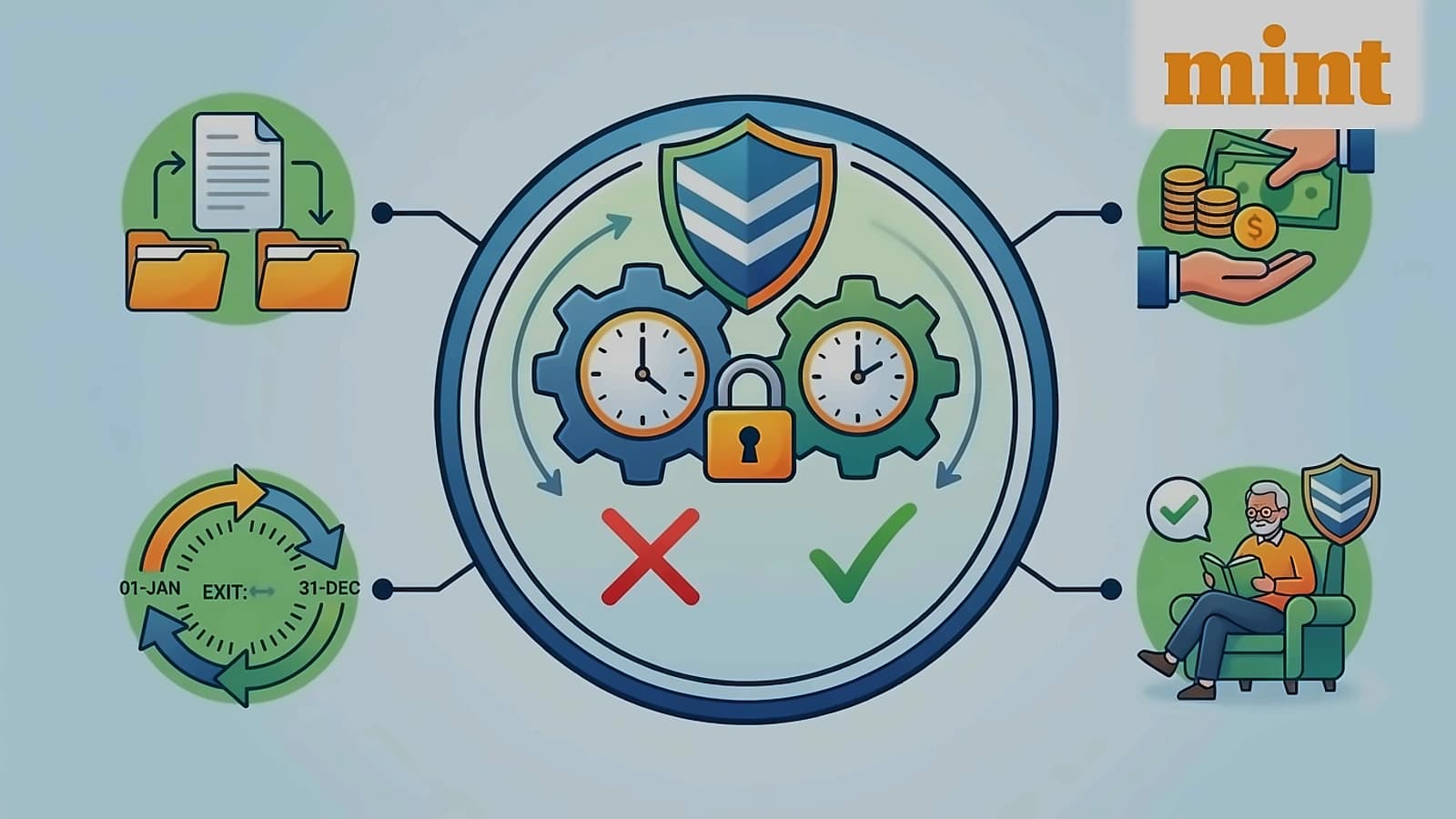
Employees should check their EPF service history whenever they leave a job, rather than waiting until they need to transfer or withdraw their savings. According to Mint, a simple mismatch can become much harder to resolve if it remains unnoticed for years. Checking the DoJ, DoE, employer details, contribution history and service records periodically can help ensure that the PF account reflects the employee's actual employment history before a transfer, withdrawal or pension claim is made. Financial experts recommend identifying where the claim is stuck first - whether it's employer approval, field-office mismatch, DSC issue, or missing service details - before escalating the matter. The first step is checking the transfer claim status on the UAN portal to determine whether it's pending employer approval, at field office, or under process.