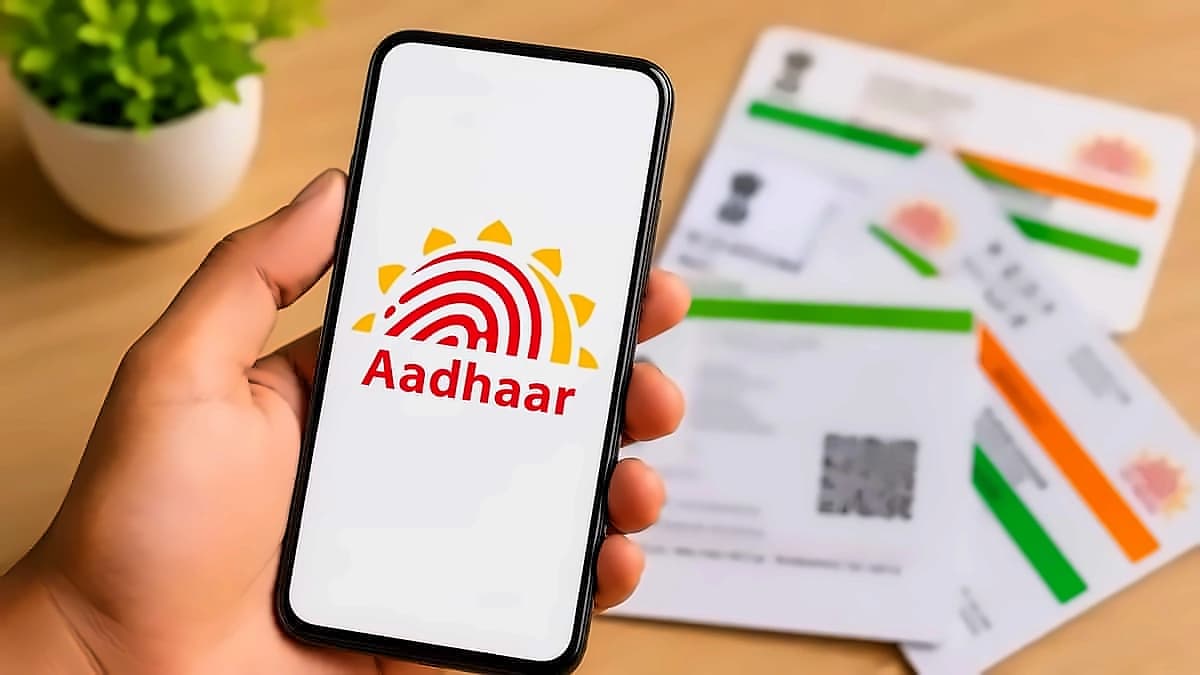
The Unique Identification Authority of India (UIDAI) has extended the free email update service through the Aadhaar App until December 31, 2026, providing users with additional time to link their email addresses. According to the Ministry of Electronics & IT, this service eliminates the need to visit an Aadhaar centre and is available effective 1 July 2026 for a period of six months. The initiative is part of UIDAI's commitment to providing people-friendly digital services as part of the Digital India initiative towards a Viksit Bharat. UIDAI has waived the usual ₹75 fee for updating an email ID through the Aadhaar App during this promotional period. After the promotional period ends, standard update fees may apply as per UIDAI's prevailing rules. The service became available from July 1, 2026, and is being offered free of cost for six months, making it more convenient for users to keep their Aadhaar records up to date.
The email linking feature provides real-time email notifications whenever an Aadhaar authentication request is executed, enhancing transparency and security. As reported by the Ministry of Electronics & IT, this enables Aadhaar number holders to stay informed about the use of their Aadhaar for any purpose. The service is designed to improve ease of living by allowing Aadhaar card holders to avail multiple services including mobile number updates and address updates directly from their smartphones. Users who have not yet linked an email address are encouraged to do so while the service remains free, ensuring they receive important Aadhaar-related updates and authentication alerts without additional charges. The updated feature allows users to complete the entire process digitally through the official Aadhaar App, making the service quicker and more convenient than previous methods. A registered email ID helps users receive notifications related to Aadhaar services, authentication and verification alerts, easier communication from UIDAI, and improved account recovery and security.
The new Aadhaar App has demonstrated exceptional user adoption since its launch, with over 2.5 lakh email updates recorded within the first two days after the service went live. According to Ministry of Electronics & IT data, over 4 million people have updated their mobile numbers using the platform, while around one million people have used the App for updating their address. The app is available on both Android and Apple iOS platforms and supports a wide range of real-life use cases including hotel check-ins through Offline Verification Seeking Entity's QR code scanning and optional face verification for various purposes. Authorities recommend that users verify all personal information before submitting an update request to avoid delays or verification issues. The introduction of online email updates is part of UIDAI's broader effort to simplify Aadhaar services and improve the digital experience for residents, enabling more services through the Aadhaar App and making identity management faster, more convenient, and less dependent on physical service centres.
The Aadhaar App includes advanced functionalities such as face verification for proof of presence, biometric lock/unlock in a single click, viewing of authentication history, and a QR-based contact card for easy sharing of contact details. As reported by the Ministry of Electronics & IT, the app allows management of up to five Aadhaar profiles on a single device, enabling the concept of 'One Family – One App.' A key feature is selective credential sharing through customised QR codes, ensuring Aadhaar numbers are not stored by verifiers and only digitally signed verifiable credentials are shared in line with the Digital Personal Data Protection (DPDP) Act. The new email update feature simplifies the process by allowing users to log in, choose the email update option, enter the new email address and complete the verification process, with the updated email linked to the Aadhaar record digitally. To update your email ID through the Aadhaar App, users must download or open the official Aadhaar App, log in using the required authentication, select the option to add or update your email ID, complete the verification process by following on-screen instructions, and once verified, their updated email ID will be linked to their Aadhaar.