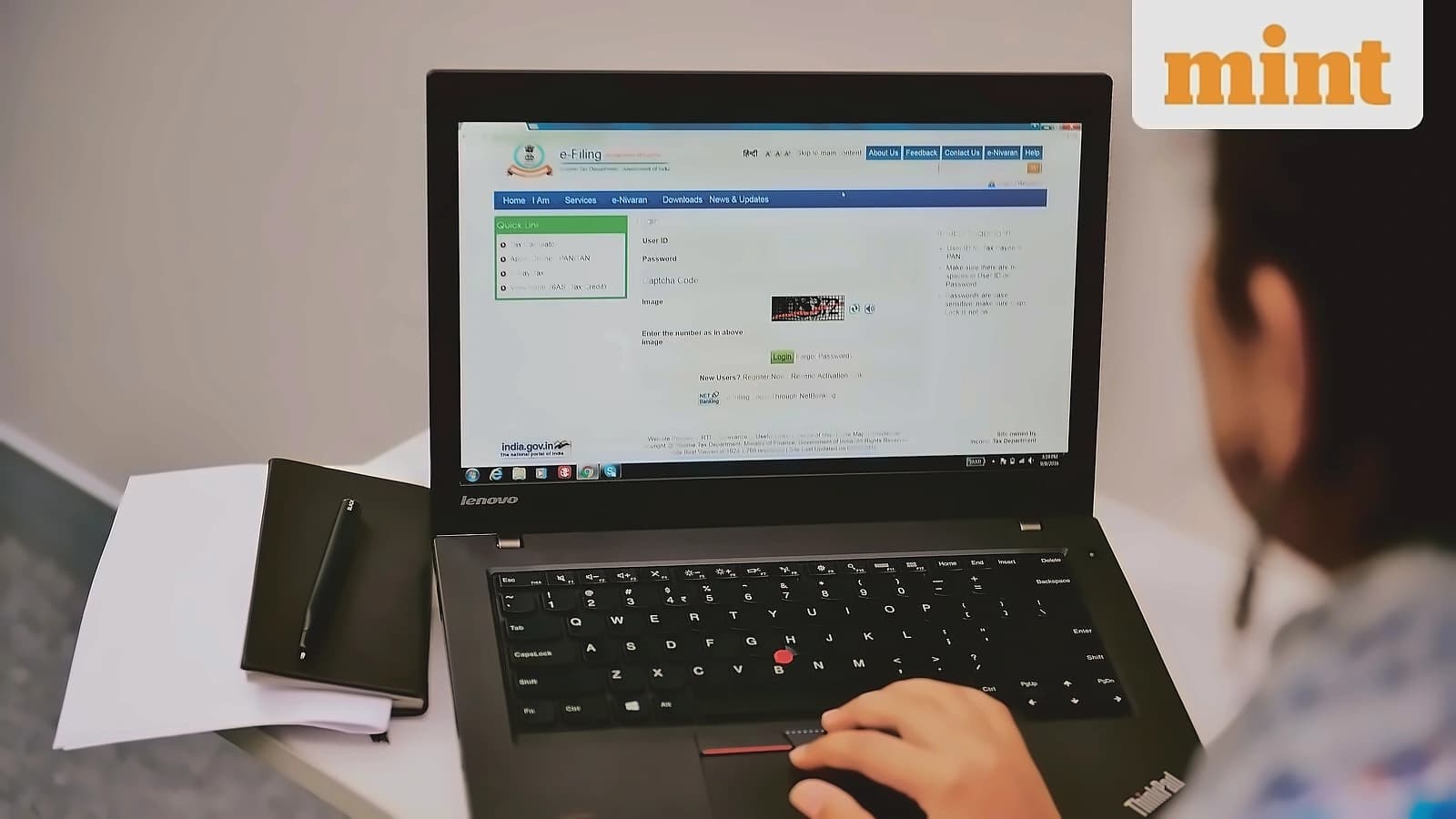
All income-tax return (ITR) forms for assessment year 2026-27 (AY27) have been notified by the Income-Tax Department, covering financial year 2025-26. Taxpayers have until 31 July to file their returns through the e-filing portal with User ID and password. According to reports from Mint, the department has enabled Excel Utility for ITR-1 (Sahaj), ITR-2, ITR-3, and ITR-4 (Sugam) online forms, allowing taxpayers to prepare returns offline before digital upload. The availability of excel utility means taxpayers can prepare their returns offline before uploading them digitally, providing greater flexibility in the filing process.
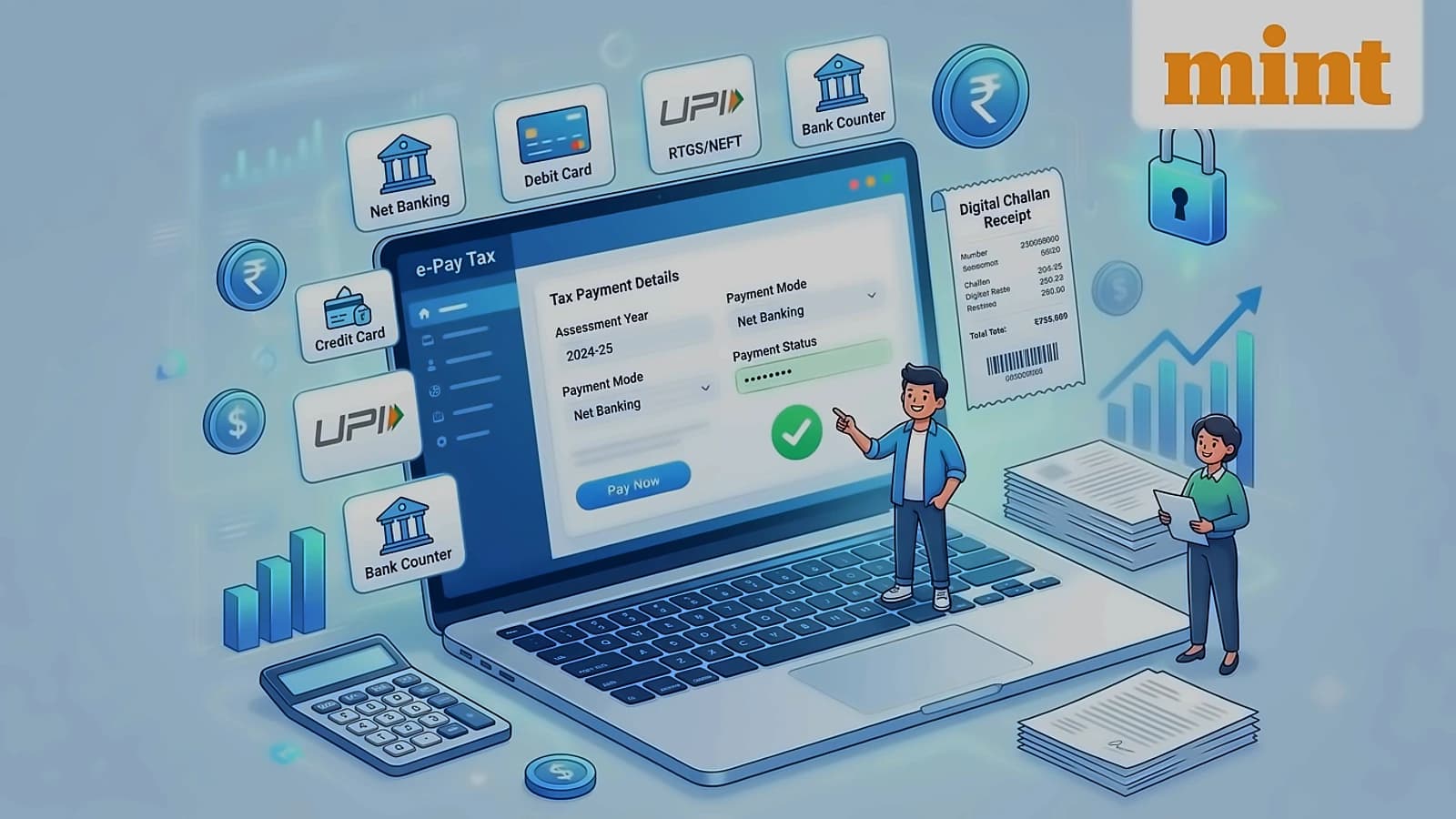
The official e-Filing portal (www.incometax.gov.in) provides a unified e-Pay Tax service that enables taxpayers to pay direct taxes seamlessly. As reported by Mint, the platform supports five standard payment modes: Net Banking using bank's net banking login, Debit Card using ATM/debit cards of authorized banks, Pay at Bank Counter (OTC) for cash, cheque, or demand draft, RTGS/NEFT from any bank using generated mandate form, and Payment Gateway through credit card, debit card, UPI, or net banking.
Taxpayers can now opt for the 'Pay at Bank Counter' option available to all taxpayers on the e-filing portal. According to Mint, this service allows taxpayers to pay taxes at authorized bank counters through cash, cheque, or demand draft by selecting this option while generating the Challan Form (CRN). The process requires a signed copy of the Challan Form along with the payment instrument to be presented before the selected authorized bank branch. Tax payments of more than ₹10,000 in cash are not allowed under this mode, and no transaction charge or fee is applicable for making tax payments through this method. However, this option cannot be used by companies or persons to whom provisions of section 63 are applicable as per Rule 333 of Income Tax Rules, 2026.
Taxpayers can avail the service either before logging into the portal (pre-login) or after logging into their account (post-login). According to Mint, pre-login requires valid PAN/TAN and valid mobile number for OTP verification, while post-login requires registered user status on the e-Filing portal. The step-by-step process includes logging in, selecting e-Pay Tax from the dashboard, choosing appropriate tax payment tile, selecting assessment year/minor head details, adding tax breakup, and completing payment through the selected mode. For non-login users, the process involves visiting the portal, filling required details including PAN/TAN, mobile number, and OTP verification, then selecting applicable tax payment category and completing payment details.